Your campaign, on every broker's social media.
You approve the template once. Each partner broker asks for it on WhatsApp and gets the video ready to post, with their name, WhatsApp, CRECI and the development's registry.
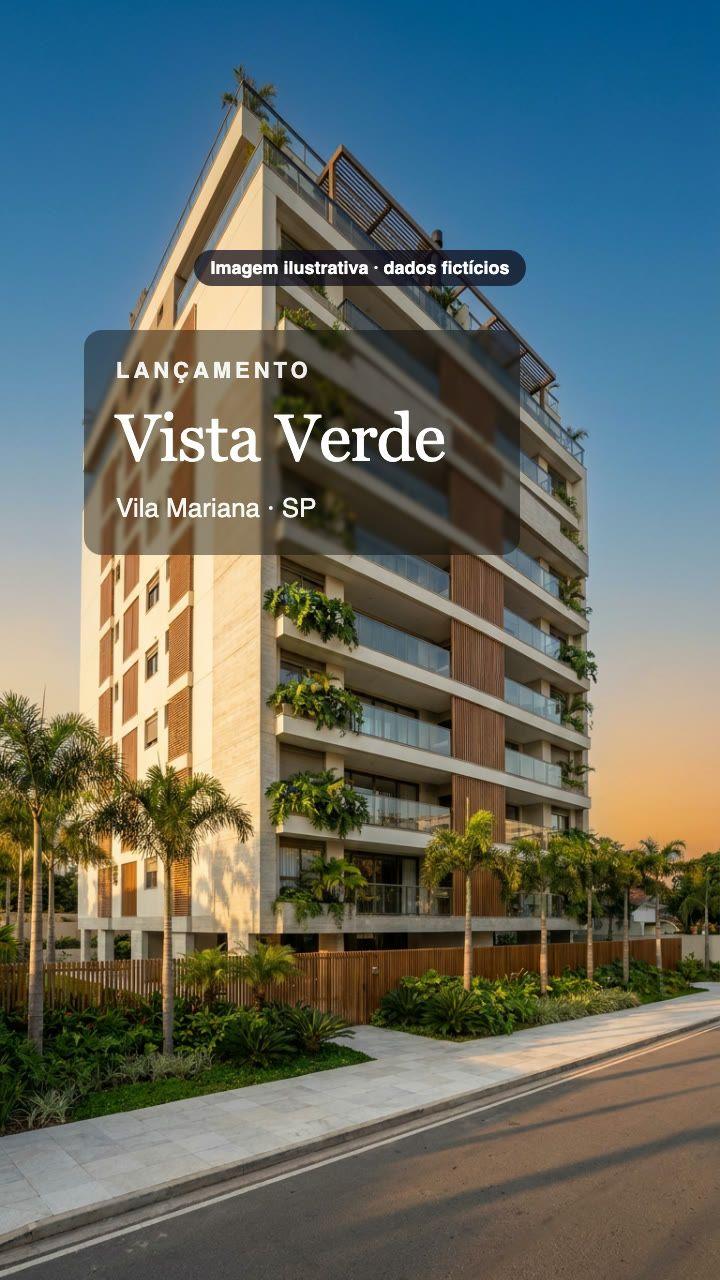
Mariana Souza
CRECI 123456-F/SP
(11) 91234-5678
Incorporação registrada sob R.3 da matrícula 98.765 do 4º RI/SP
Four steps. Nothing for the broker to edit.
- 01
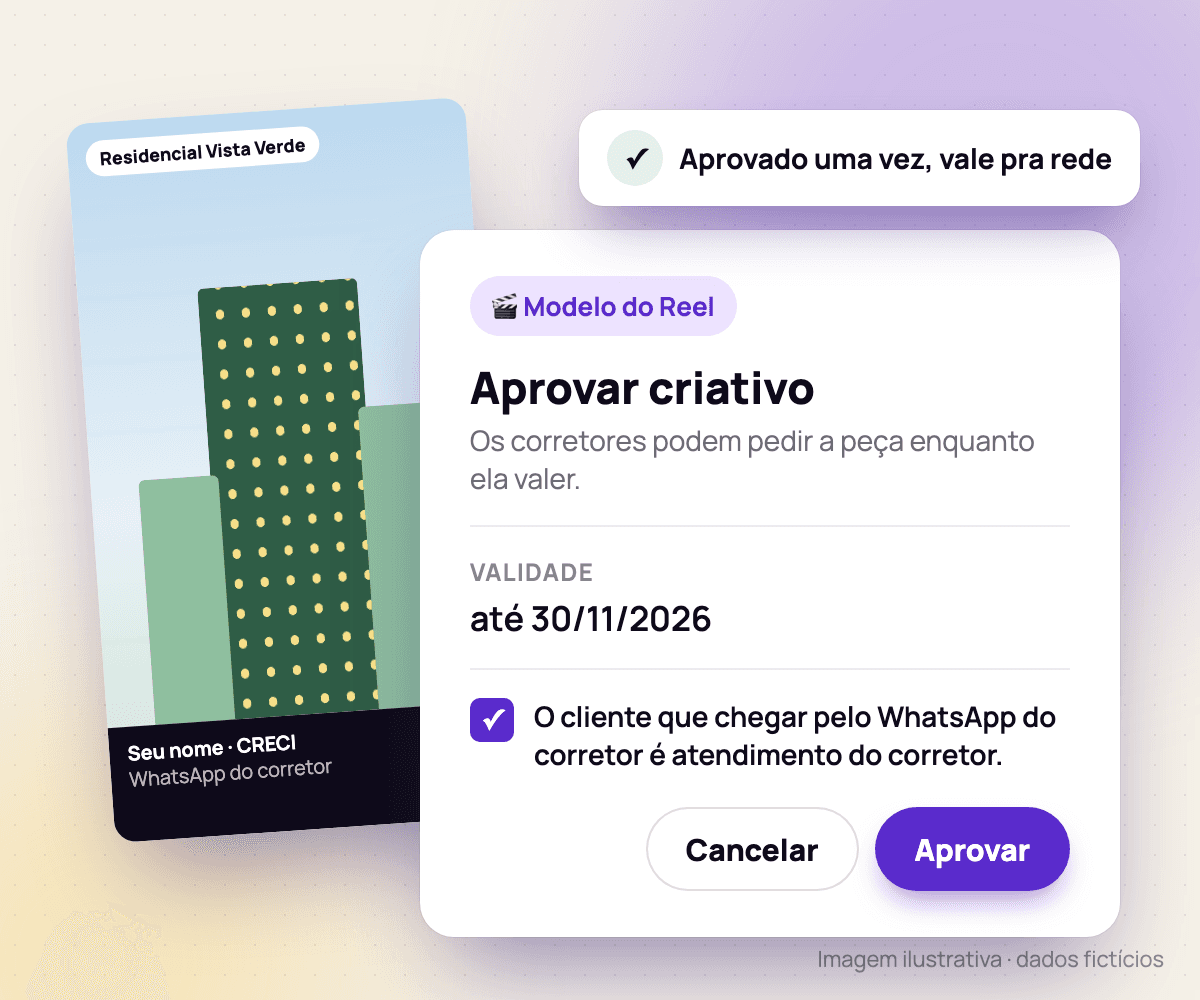
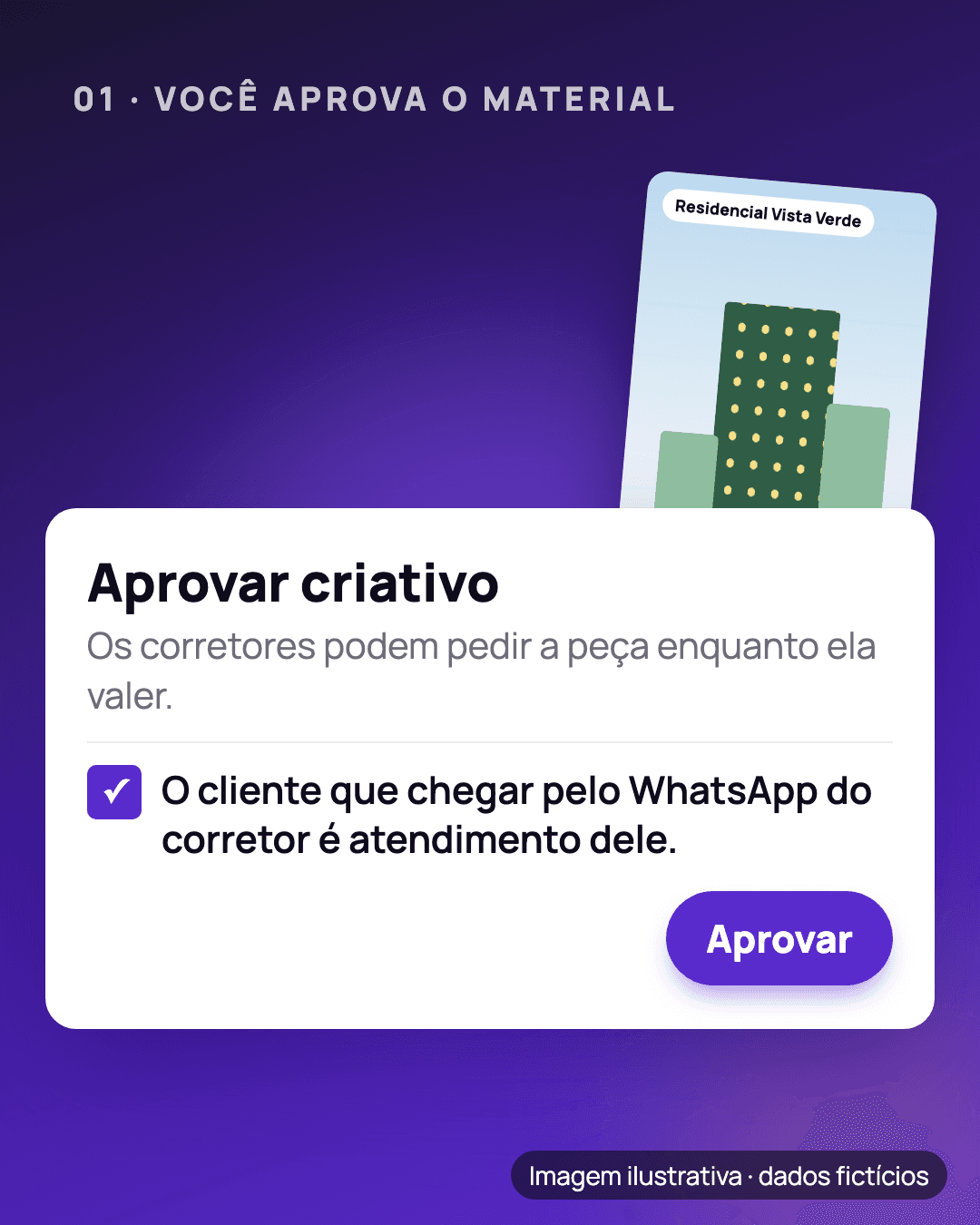
You approve the material
Upload the development's artwork, write the caption and the registry, and set how long it is valid. Once approved, brokers can ask for the piece while it is valid.
- 02
The broker authorizes once
Under Promote, in the KOBI menu on WhatsApp, they authorize the use of their name, WhatsApp and CRECI on the pieces they ask for. It holds for the next pieces, and they can revoke it at any time.
KKOBIonline - 03
The video arrives ready on WhatsApp
KOBI applies the broker's details to the video — and the agency's CRECI, when there is one — and delivers it on WhatsApp with the caption ready to copy and a direct link to the broker's contact.
KKOBIonline - 04
You see who promoted it
Follow the campaign's numbers and your network's engagement ranking: who asked for the video, who shared it and how many clients tapped through to each broker's WhatsApp.
Illustrative image · fictitious data- brokers shared it
- 38
- WhatsApp taps
- 1,240
WhatsApp taps
- 412Bruno CarvalhoMost engaged
- 297Mariana Souza
- 198Camila Nogueira
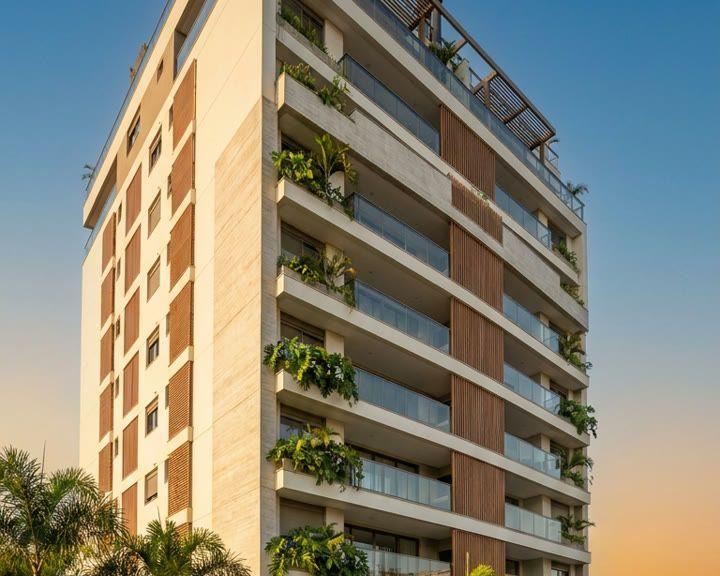
The broker's brand, done right.
- 01
Registry on every piece
The development's registry is required to approve and is printed on every piece, as Brazilian law 4.591/64 requires.
- 02
CRECI checked by you
The CRECI comes from your records. When a broker sends one, you confirm or refuse it before it is printed, and once you confirm, the pending piece arrives on its own.
- 03
Feed and Stories
Artwork in Feed 1:1, Feed 4:5 or Story 9:16, with the broker's band at the top or the bottom.
- 04
A link that leads to the broker
Every piece has a page with the artwork and a button to the broker's WhatsApp. A client who arrives there talks to the broker directly.
- 05
Data the broker controls
Brokers see their own data under My data and can revoke the authorization. When they do, the links of their pieces stop working.
- 06
Photos or a clip
The video is made from up to 10 photos or one clip of the development, in a template you approve, with the broker's band on every frame.
More brokers promoting,
with your brand
in the right place.
See in a demo how your network asks for and receives the pieces on WhatsApp.